




A Complete Guide to Troubleshooting NiFi Clusters: Logs, Metrics, Alerts & More

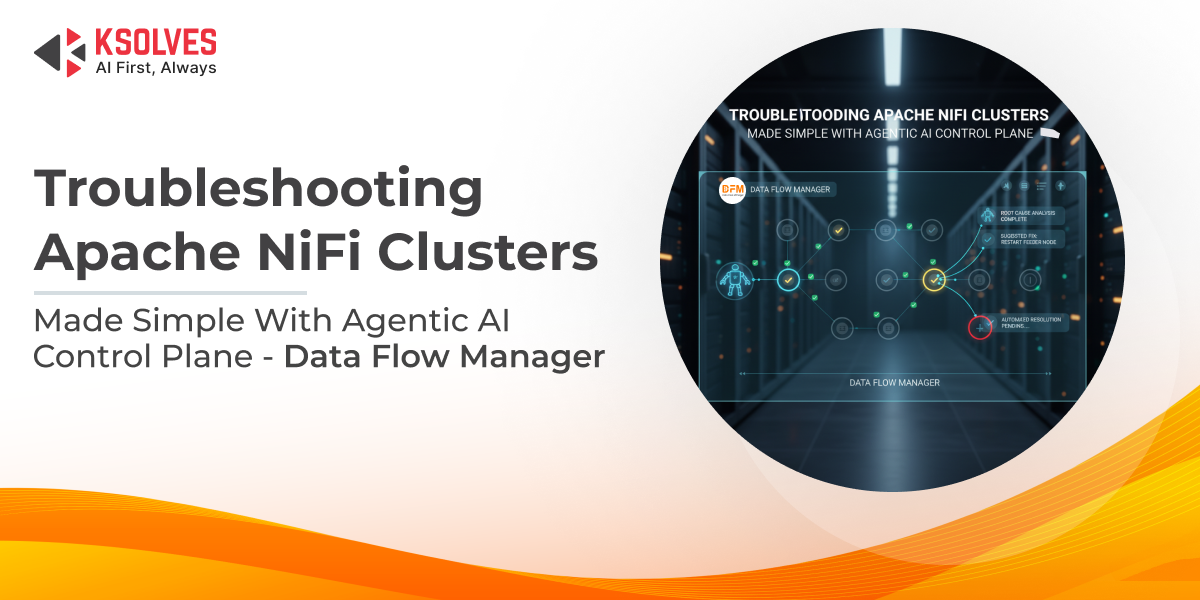
Apache NiFi sits at the heart of modern enterprise data architectures, moving and transforming data continuously across applications, clouds, and systems. Its visual flow design and real-time processing capabilities make it a powerful choice for building resilient data pipelines.
But as NiFi deployments grow into multi-node clusters, operational simplicity gives way to new challenges. In clustered environments, a single slowdown can ripple across nodes, queues can silently build up, and root causes often hide behind layers of logs, metrics, and interdependent components.
What looks like a processor issue may actually stem from JVM pressure, disk saturation, ZooKeeper instability, or an unnoticed configuration change. Without a structured troubleshooting approach, teams often end up reacting to symptoms instead of fixing the real problem.
This blog explores a practical, end-to-end framework for troubleshooting NiFi clusters, covering logs, metrics, alerts, and common failure patterns. We will explore how Data Flow Manager (DFM) brings clarity, control, and predictability to operating NiFi at enterprise scale.
Understanding Apache NiFi Cluster Architecture
Before attempting to troubleshoot a NiFi cluster, it’s essential to understand how its core components work together. Many operational issues are not caused by individual processors or flows, but by how the cluster behaves as a distributed system.
A NiFi cluster is composed of the following key components:
- Nodes
Each node runs an instance of Apache NiFi and executes the same data flow. FlowFiles are distributed across nodes, allowing processing to scale horizontally while sharing workload and state.
- Cluster Coordinator
One node is elected as the cluster coordinator. It is responsible for managing cluster-wide state, tracking node health through heartbeats, and coordinating communication between nodes. While processing is distributed, cluster coordination depends on this role remaining stable.
- ZooKeeper
ZooKeeper underpins the cluster by handling node membership, leader election, and state synchronization. If ZooKeeper becomes unstable or unreachable, nodes may disconnect or fail to participate in the cluster correctly.
In a clustered setup, flows and queues are logically shared, even though FlowFiles are processed locally on individual nodes. As a result, a problem on a single node, such as high memory pressure or disk exhaustion, can cascade across the cluster, affecting throughput, latency, and availability. This is why many NiFi issues surface as cluster-level symptoms, even when the root cause is isolated.
Common failure domains in NiFi clusters include:
- Node-level issues: Hardware limitations, JVM memory exhaustion, garbage collection pauses, or CPU saturation.
- Network instability: Packet loss, latency, or intermittent connectivity between nodes and ZooKeeper.
- Disk and repository constraints: Saturation or performance degradation in content, flowfile, or provenance repositories.
- Configuration drift: Differences in NiFi, JVM, or OS-level settings across nodes leading to inconsistent behavior.
Understanding these architectural fundamentals is the foundation for effective troubleshooting and helps teams avoid chasing symptoms instead of addressing root causes.
First-Level Checks: Identifying the Nature of the Problem
When issues surface in a NiFi cluster, effective troubleshooting starts by classifying the problem instead of jumping straight into processor-level debugging. Most cluster issues fall into three broad categories:
- Performance issues: Slower-than-expected flows, increasing latency, growing queues, or frequent backpressure.
- Availability issues: Node disconnections, unstable cluster state, or failed flow deployments.
- Data issues: Missing, duplicated, delayed, or incorrectly routed FlowFiles.
Before diving deeper, ask a few key questions:
- Is the issue isolated to a single node or affecting the entire cluster?
- Did it start after a configuration change, deployment, or upgrade?
- Are queues slowly processing data, or has data stopped moving entirely?
This initial assessment quickly narrows the scope of investigation and helps focus on the most likely root causes.
Deep Dive into NiFi Logs: What to Check and Why
When troubleshooting a NiFi cluster, logs are the first source of actionable insights. Key log files include:
- nifi-app.log: Core processing information, errors, and warnings from NiFi itself.
- nifi-user.log: Records user actions, such as flow changes and deployments.
- nifi-bootstrap.log: Tracks startup, shutdown, and node initialization events.
- nifi-request.log: Captures HTTP requests and API calls for auditing purposes.
Some common issues you can identify through logs:
- Node disconnects or heartbeat failures: Often point to network instability or ZooKeeper problems.
- Repository read/write errors: Can indicate disk saturation, permission issues, or repository corruption.
- JVM OutOfMemoryErrors: Suggest resource constraints, requiring heap tuning or garbage collection optimization.
Best practice: Always correlate logs across all nodes in the cluster. Problems on one node can impact the entire flow, and a single-node perspective may hide the true root cause.
Monitoring NiFi Metrics for Performance Bottlenecks
Monitoring metrics is critical to spotting performance issues before they impact your data flows. Key areas to focus on include:
- JVM Heap and Garbage Collection: Track memory usage and GC pauses to prevent slowdowns or node instability.
- Queue Sizes and Backpressure: Persistently high backpressure signals that downstream processors are unable to keep up.
- Processor Execution Time: Identify processors that are taking longer than expected, which can create bottlenecks in the flow.
- Thread Utilization: High thread contention or saturation may indicate CPU bottlenecks or misconfigured processor concurrency.
NiFi’s built-in status history provides historical trends, while external monitoring tools like Prometheus and Grafana offer real-time dashboards and alerts. Proactive metric monitoring enables teams to detect anomalies early, reduce downtime, and maintain smooth, predictable flow performance.
Also Read: Monitoring Apache NiFi Data Flows Like a Pro: Going Beyond Node Health
Diagnosing Common NiFi Cluster Issues
NiFi clusters can exhibit a variety of problems, often affecting multiple nodes or flows. Some of the most common issues include:
- Node flapping or disconnecting: Typically caused by network instability, ZooKeeper timeouts, or resource constraints on a node.
- Flows stuck due to backpressure: Slow processors or downstream bottlenecks prevent FlowFiles from progressing, causing queues to build up.
- Uneven load distribution: Misconfigured cluster settings or uneven task allocation can lead to some nodes being overutilized while others remain idle.
- Repository corruption or disk saturation: Full or corrupted content, provenance, or flowfile repositories can halt flows or result in data loss.
- ZooKeeper instability: Intermittent leader election failures or lost coordination disrupt cluster operations and node communication.
Effectively diagnosing these issues requires a combined approach of log analysis, metric monitoring, and understanding cluster behavior. Correlating symptoms across nodes often reveals the true root cause rather than chasing surface-level problems.
Also Read: Top 13 Common Challenges in Apache NiFi Cluster Configuration
The Hidden Challenge: Manual Troubleshooting in Enterprise NiFi
In large-scale NiFi deployments, manual troubleshooting quickly becomes overwhelming:
- Distributed logs and metrics: Collecting and correlating logs from multiple nodes is time-consuming and prone to errors.
- Lack of centralized visibility: Without a single view of cluster health, queue status, and processor performance, spotting the root cause is difficult.
- Configuration drift: Differences in NiFi, JVM, or OS settings across nodes can lead to inconsistent behavior that’s hard to diagnose.
- Dependence on tribal knowledge: Troubleshooting often relies on the experience of a few operators, making processes fragile and inconsistent.
This manual approach is not only inefficient but also risky. In mission-critical environments, delays in identifying the real issue can lead to extended downtime, data processing backlogs, or even data loss. Enterprise teams need structured processes, automation, and centralized monitoring to overcome these challenges.
Also Read: Common NiFi Challenges Every Team Faces and How Data Flow Manager Solves Them
How Data Flow Manager (DFM) Simplifies NiFi Cluster Troubleshooting
Troubleshooting large NiFi clusters manually is time-consuming and error-prone, but Data Flow Manager (DFM) transforms this process into a simple, intelligent experience. At its core, DFM acts as a centralized control plane with agentic AI, turning complex operational tasks into just a single prompt.
With Data Flow Manager (DFM):
- Centralized visibility: Monitor all nodes, flows, queues, and cluster health from a single dashboard.
- Automated diagnostics: The AI correlates logs, metrics, and alerts across nodes to pinpoint the root cause in minutes.
- Simplified operations: Instead of manually restarting nodes, clearing backpressure, or adjusting queues, you just tell the AI what you need, and it executes the tasks automatically.
- Auditability and governance: Track all changes and actions with full transparency, reducing human error and configuration drift.
- Predictable, proactive management: Identify potential bottlenecks and issues before they affect flow performance, reducing downtime and operational risk.
In short, DFM transforms NiFi cluster management from reactive firefighting into proactive, AI-driven operations. Complex tasks that once required deep expertise and hours of manual effort can now be handled with simple, intuitive commands, making NiFi enterprise-ready at scale.
Final Words
As NiFi deployments scale, troubleshooting shifts from simple debugging to managing complex, distributed systems. Logs, metrics, and alerts provide the foundation—but without structure and visibility, teams often end up reacting to symptoms instead of resolving root causes. A disciplined troubleshooting approach is essential to keep enterprise data flows reliable and performant.
With Data Flow Manager (DFM), an Agentic AI control plane, complex NiFi operations become simpler, faster, and more predictable. By turning troubleshooting into prompt-driven actions, it reduces operational friction and helps teams focus on keeping data moving, without the constant firefighting.


 1800 121 0218
  +1 (646) 203-1075
  +91 8527471031
 sales@ksolves.com