



Why NiFi Flows Fail in Production And How to Catch It Before Deployment

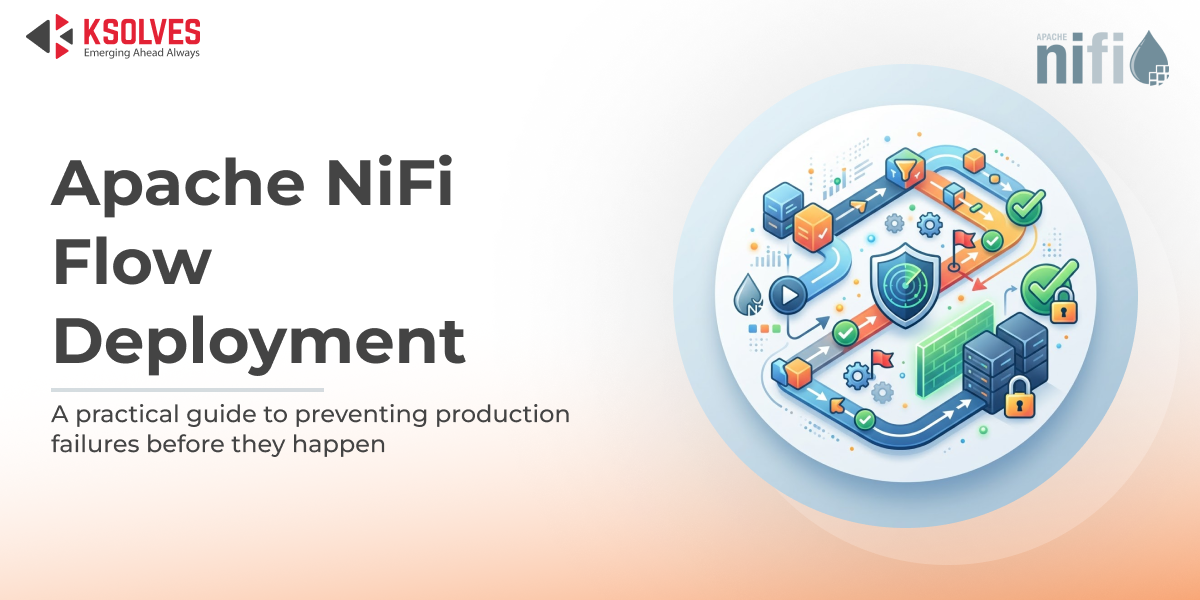
Production NiFi failures rarely announce themselves in advance. They surface after the damage is done.
At 2:47am, automated alerts stop firing. Not because the environment is healthy, because the flow stopped processing entirely.
By morning, a financial data team discovers their NiFi ETL pipeline has been dropping transaction records for six hours. The flow was promoted to production the previous evening. It passed every development test. A single controller service, a JDBC connection pool still pointing to the development database, was never updated for the production environment. Six hours of transaction records lost before the failure was detected.
It is a repeatable pattern in Apache NiFi deployments, and it begins well before the deployment step. In this blog, we break down why these failures happen, what makes them hard to catch, and how DFM 2.0 eliminates them before a single FlowFile is processed.
Why NiFi Flows Fail After Deployment
Development environments are permissive by nature. They are small, manually configured, and operated by the engineers who designed the flow. Production environments are structured differently: stricter security policies, live data volumes, and environment-specific configurations that development never fully mirrors.
When a flow is promoted without validating the target environment, those structural differences become failures. Most remain invisible until data movement has already ceased.
The fundamental issue is that teams validate the flow itself, but not the environment it is being promoted into.
5 Real Causes of NiFi Production Failures
1. Missing or Disabled Controller Services
A controller service enabled in dev, JDBC pools, SSL contexts, schema registries, may be absent or disabled in production. The flow starts. Processors show as running. Nothing moves.
Also Read: How to Deploy and Promote Apache NiFi Flows Centrally Across All Environments
2. Broken Parameter Contexts
Hostnames, API endpoints, and credentials externalized into parameter contexts must be correctly mapped per environment. When they are not, processors silently reference wrong systems or connect to nothing at all.
3. Environment Configuration Mismatches
Scheduling intervals and queue thresholds tuned for a low-volume dev NiFi cluster become immediate backpressure problems under production data loads. Queue backpressure misconfiguration alone can stall an entire pipeline within minutes.
4. Schema Drift Between Environments
Schema registries in dev and production diverge during development. When a promoted flow references a schema version that does not exist in production, every record routes to failure, silently, at volume.
5. Missing Processor Dependencies
Custom NARs and third-party extensions must exist on every node of the target cluster. A missing dependency means the flow fails to load, or worse, behaves unpredictably at runtime with no clear error.
Why Most NiFi Failures Are Discovered Too Late
Standard data pipeline monitoring in NiFi is reactive by design. Teams watch dashboards after deployment. Bulletin board alerts fire after queues are already full. Downstream systems report missing data hours after the failure began.
There is no native step in the NiFi promotion workflow that asks: is the target environment actually ready to run this flow?
No automated check confirms that controller services are enabled, that parameter contexts resolve correctly, or that schema versions align across environments. The flow is promoted, the environment surfaces the misconfiguration, and the team learns of the failure from a downstream business user rather than a system alert.
This is the tooling gap that turns avoidable misconfigurations into production incidents.
Traditional Deployment vs. Pre-Deployment Validation
| Deployment Factor | Traditional NiFi Deployment | With Pre-Deployment Validation |
| Controller services | Checked manually, sometimes forgotten | Automatically verified before promotion |
| Parameter contexts | Assumed correct, breaks silently | Resolved and validated per environment |
| Schema versions | Matched by hand across registries | Flagged automatically if drift is detected |
| Queue thresholds | Carried over from dev defaults | Validated against production data volumes |
| Processor dependencies | Discovered missing at runtime | Confirmed present on all target nodes |
| When failures are caught | After data stops moving | Before the flow is ever deployed |
| Mean time to detect | Hours | Pre-deployment |
The difference is not effort. It is a process. Teams that surface failures within the deployment workflow resolve them before they reach production, rather than during an unplanned incident response.
Also Read: Apache NiFi Cluster Configuration Challenges and How to Overcome Them
How DFM 2.0 Prevents Failures Before They Happen
While NiFi handles flow execution, it does not validate the environment a flow is being deployed into. That is the gap DFM 2.0 closes, before a single FlowFile is processed.
Pre-deployment sanity checks run automatically before every apache NiFi flow deployment. Controller services, parameter contexts, schema versions, processor dependencies, and queue configurations are all verified against the target environment. If something does not match, it is flagged in the deployment workflow, not discovered at 2am.
Centralized data pipeline monitoring gives teams real-time visibility across every cluster from a single dashboard. Queue depth, processor state, and flow health are tracked continuously, with automated alerts that surface problems before they become outages.
Also Read: Apache NiFi Cluster Management: Challenges and How DFM Solves Them
Environment-aware flow promotion ensures that development, staging, and production configurations are managed independently and applied correctly on every promotion. Environment-specific controller service bindings, parameter context values, and credential mappings are handled as part of the deployment process, eliminating the manual remapping steps where misconfiguration most commonly occurs.
For teams managing NiFi etl pipelines across multiple environments, DFM 2.0 replaces the pre-deployment checklist that is routinely deprioritised under release pressure with an automated validation layer that executes consistently on every promotion.
“Deployment failures dropped by 95% after implementing DFM. What took weeks now happens in minutes.” — Enterprise NiFi Migration Client
Final Words
NiFi flow failures in production are not the result of poor engineering. They are the predictable outcome of promoting flows into environments that have not been validated, where controller service states, parameter context values, schema versions, and processor dependencies are assumed to be correct rather than confirmed.
Controller services, parameter contexts, schema drift, missing dependencies, any one of these breaks a flow that passes every test. The solution is not a longer checklist. It is data pipeline reliability built into the deployment process itself: validation that runs before promotion, monitoring that detects before impact, and a workflow where production failures are caught in staging, not discovered by business users.
By combining NiFi’s flow execution capabilities with DFM 2.0’s automated validation and monitoring, teams eliminate the gap between a flow that passes development tests and one that runs reliably in production. Every deployment. Every environment. Every time.


 1800 121 0218
  +1 (646) 203-1075
  +91 8527471031
 sales@ksolves.com